Natural variation
Moisture, density, size, shape, thickness, and orientation can vary within the same product and production run.
PRODUCE
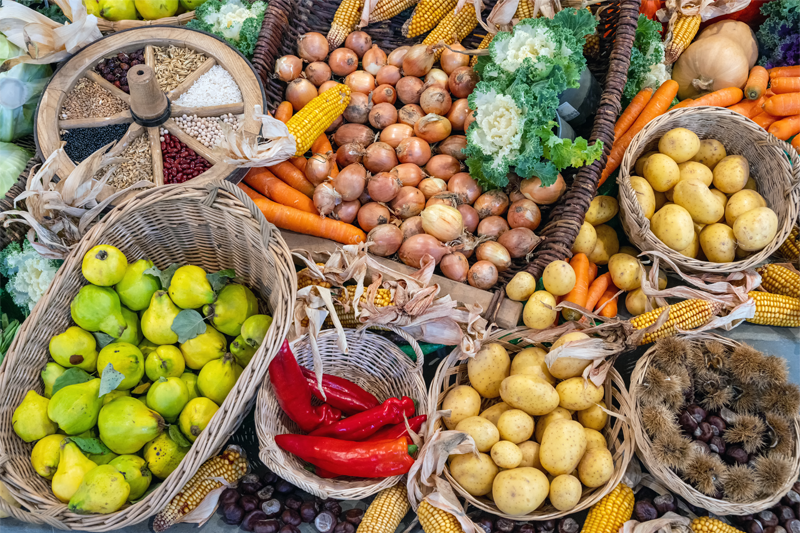
Whole, cut, frozen, mixed, bagged, tray-packed, and bulk produce can create very different X-ray images. Moisture, density, shape, season, supplier, package, target condition, and line speed all affect what can be inspected reliably. GreyscaleAI helps teams evaluate the real application, preserve image-backed events, and compare changing production patterns.
Whole, cut, frozen, mixed, or prepared
The product creates the image background
Bags, trays, overlap, spacing, and orientation
Material risk, quality condition, fill, or presence
Representative product and agreed conditions
Production challenges
Produce can change by variety, season, supplier, cut, moisture, temperature, package, and presentation. Those differences can change the X-ray background and the visibility of a target, even when the product name is the same.
Moisture, density, size, shape, thickness, and orientation can vary within the same product and production run.
Whole, cut, blanched, frozen, mixed, and prepared products create different image backgrounds and review conditions.
Bags, trays, folds, clips, overlap, product spacing, and orientation can add image features or reduce consistency.
Variety, season, supplier, lot, and process conditions can move the product away from the conditions used during validation.
These formats are category examples, not statements that every product or package is a fit for every application.
Relevant applications
The produce category alone does not determine the application. Start with the material risk, product or package condition, and production question, then validate whether the signal is visible under the actual operating conditions.
Review dense material risks such as metal, glass, stone, and other targets only where the actual product, package, target, and line conditions create sufficient contrast.
Explore foreign material detectionEvaluate product-presence, fill-distribution, missing-component, or package conditions only when the condition is visible and repeatable in the inspection image.
Explore product quality and package integrityCompare review events and recurring patterns by product, supplier, lot, line, shift, or time window when those fields are captured and connected.
Explore production analyticsThese are application routes, not produce-wide capability claims. Each application still requires review with the actual product, package, target condition, and line.
How Insights helps
GreyscaleAI Insights Software helps authorized teams move from a line event to the image, event record, and production context behind it. For produce, that context is especially useful when teams need to separate normal product variation from a recurring supplier, lot, process, or line pattern.
Open the inspection image, event reason, timestamp, machine, and available product or lot context from one searchable record.
Narrow the review by product, supplier, lot, line, shift, or time window when those fields are available.
See whether review activity is isolated or repeating across products, runs, lines, or authorized facilities.
Use searchable image and event records to investigate a complaint window, document follow-up, or support a supplier or process review.
Inspection system and application fit
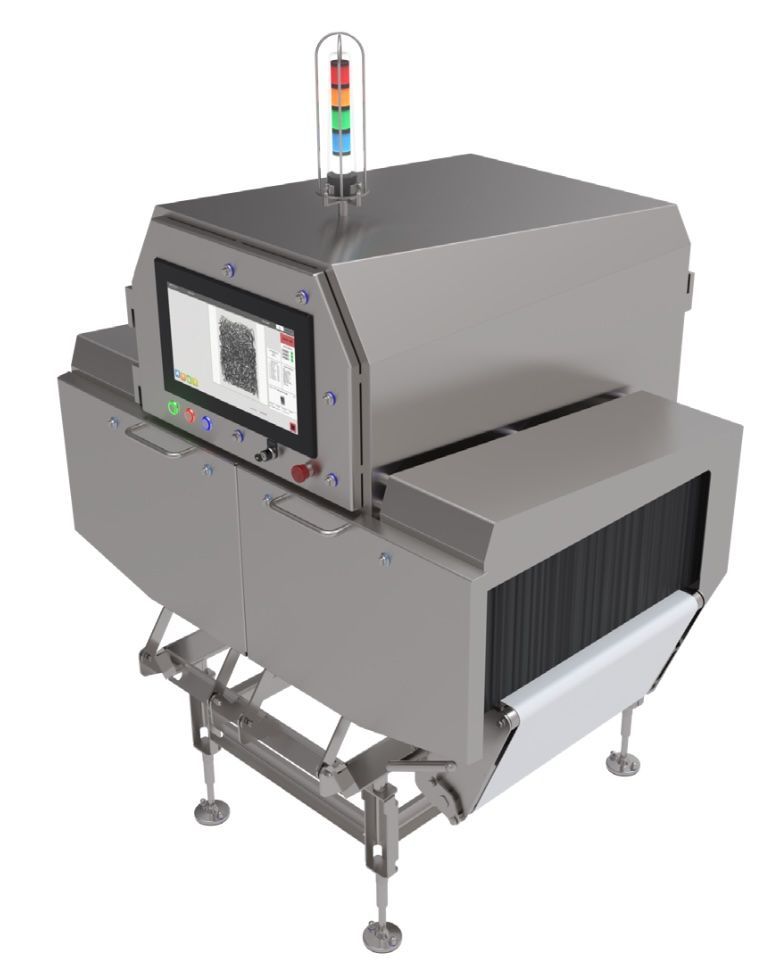
HRX configuration is determined by the actual application, not the Produce category alone. The representative product, package, target condition, aperture, line speed, spacing, environment, reject workflow, and acceptance criteria all shape the appropriate inspection approach and system fit.
Review product dimensions, thickness, moisture, density, shape, orientation, temperature state, and expected variation.
Review bags, trays, folds, clips, overlap, spacing, product movement, and how the presentation passes through the inspection aperture.
Define the material risk, product condition, fill issue, missing component, or package condition the team needs to review.
Confirm line speed, throughput, available footprint, conveyor integration, reject handling, washdown needs, and review workflow.
Relevant proof
The current case-study library does not yet include a produce-specific story. Review the available examples to see how GreyscaleAI connects inspection events, images, dedicated signals, and operational context.
Workflow examples from other food categories do not establish performance for a produce application.
NEXT STEP
Share representative product, normal variation, package format, target material or condition, line speed, spacing, environment, and any available sample images or challenge products. GreyscaleAI can help determine the appropriate validation path and HRX system fit.