Natural product variation
Moisture, density, thickness, shape, species, cut, and orientation can vary within the same product and production run.
SEAFOOD
Fillets, portions, breaded products, frozen packs, prepared meals, and canned seafood can create very different X-ray backgrounds. Bone or shell concerns, dense foreign material, package conditions, moisture, thickness, overlap, and line speed all affect the inspection fit. GreyscaleAI connects image-backed inspection events with QA review and production context so teams can see what happened and what is repeating.
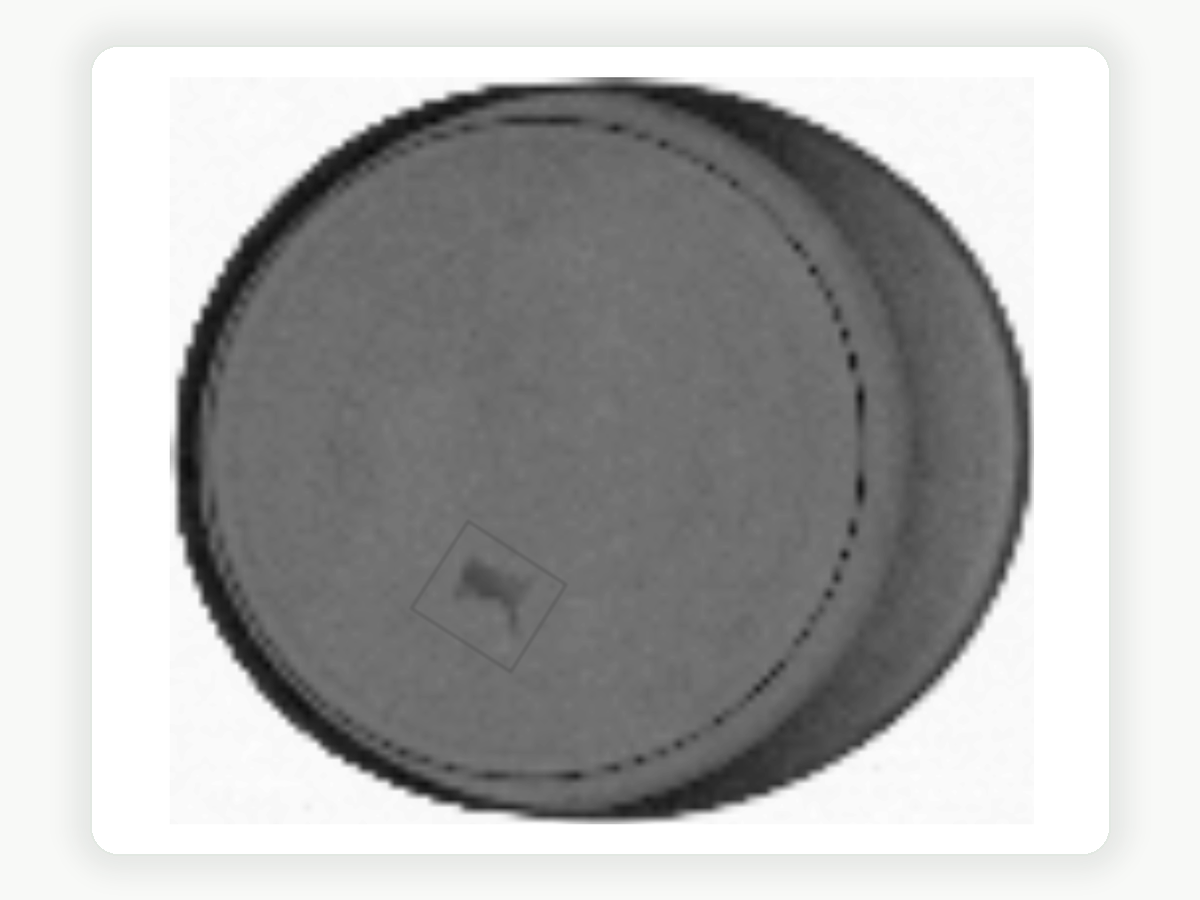

Existing GreyscaleAI X-ray evidence. Detection performance depends on the actual product, package, target material, size, density, orientation, and line conditions.
Production challenges
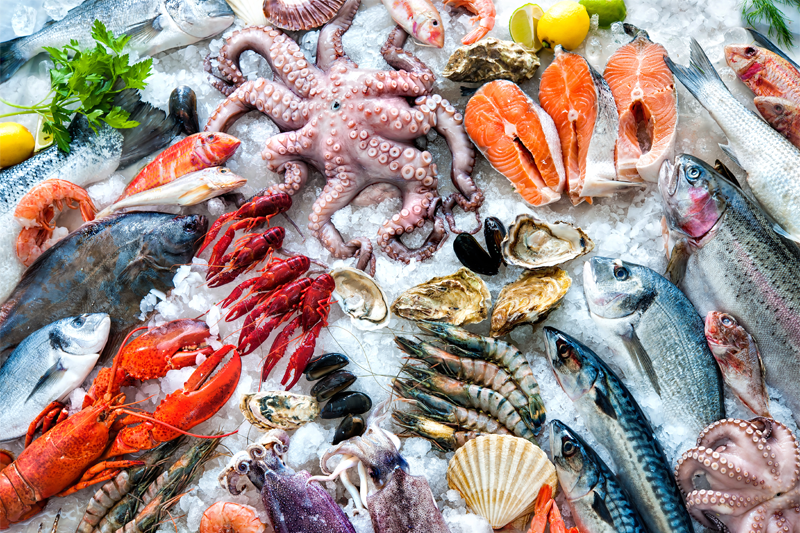
Species, cut, moisture, thickness, temperature state, breading, overlap, package format, and presentation can change the X-ray background. A condition that is visible in one seafood product may be difficult to distinguish in another, so the application must be reviewed with representative production samples.
Moisture, density, thickness, shape, species, cut, and orientation can vary within the same product and production run.
Bone, shell, metal, glass, stone, and other dense targets create different levels of contrast depending on the seafood product and package around them.
Cans, pouches, trays, bags, seal regions, folds, overlap, spacing, and product orientation can introduce image features or change inspection consistency.
Fresh, chilled, frozen, thawed, breaded, cooked, and prepared products may require different validation conditions and review expectations.
These formats are category examples, not statements that every product, package, bone, shell, or foreign material target is a fit for every application.
Relevant applications
The seafood category does not determine the application by itself. Start with the material risk, QA question, package condition, or recurring production pattern, then validate whether the required signal is visible and reviewable under the actual operating conditions.
Review image-backed events for metal, calcified bone, glass, stone, and other dense material risks only where the actual seafood product, package, target, and line conditions support detection.
Explore foreign material detectionSearch inspection images, event history, product or lot context, machine details, notes, and review status when QA needs evidence for an investigation or follow-up.
Explore traceability and QA reviewCompare recurring review reasons, reject activity, package-quality signals, and inspection patterns by product, line, shift, facility, or time window when that context is available.
Explore production analyticsThese routes describe relevant applications, not seafood-wide performance guarantees. Validate each product, package, target condition, and line before setting expectations.
How Insights helps
GreyscaleAI Insights Software helps authorized teams move from a line event to the image, event record, and available production context behind it. Seafood teams can search the history, compare related events, and document follow-up without relying only on a reject count, operator memory, or a disconnected note.
Review the image, highlighted region when available, event reason, timestamp, machine, and available product or lot context.
Filter by product, lot, line, machine, event type, review status, or time window when those fields are available.
See whether bone, foreign material, dent, or other review activity is isolated or recurring across runs, products, lines, or authorized facilities.
Use review status, notes, exports, and related events to support QA investigation, product disposition, supplier follow-up, or corrective action.
Inspection system and application fit
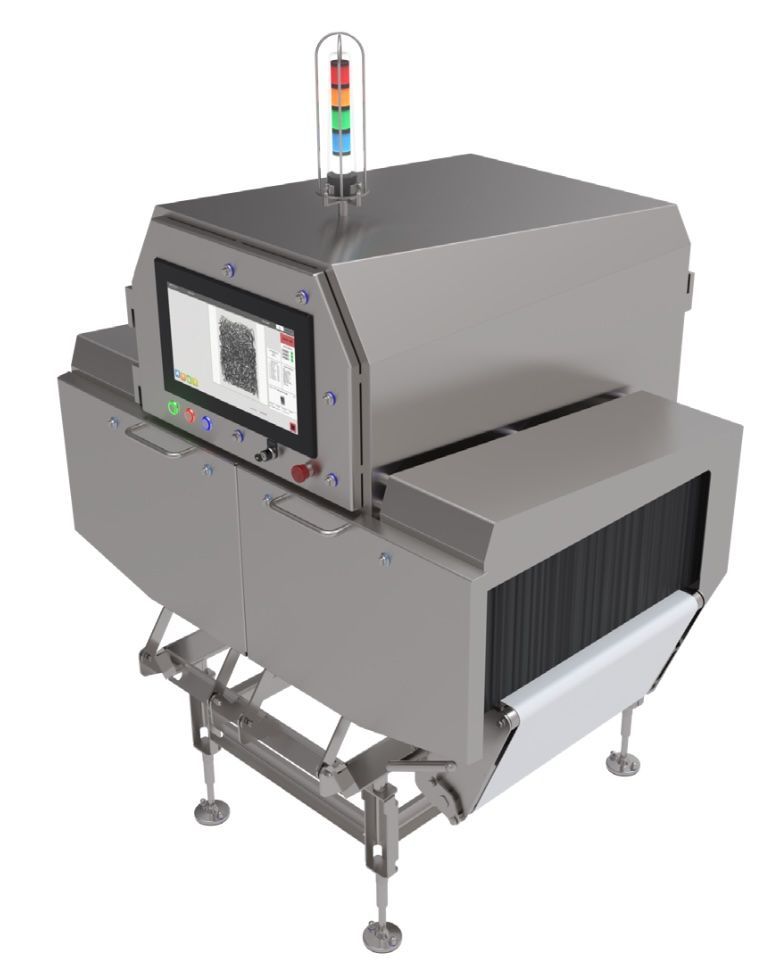
HRX configuration is determined by the actual seafood application, not the Seafood category alone. Product, package, target condition, aperture, line speed, spacing, temperature state, production environment, reject workflow, and acceptance criteria all shape the appropriate inspection approach and system fit.
Review species, cut, dimensions, thickness, moisture, density, breading, orientation, fresh or frozen state, and expected product variation.
Review cans, pouches, trays, bags, seal regions, overlap, spacing, product movement, and how the presentation passes through the inspection aperture.
Define the bone, shell, foreign material, package condition, fill issue, or other signal the team needs to detect, classify, review, or trend.
Confirm line speed, throughput, available footprint, conveyor integration, reject handling, washdown needs, temperature, and the required QA review workflow.
Relevant proof
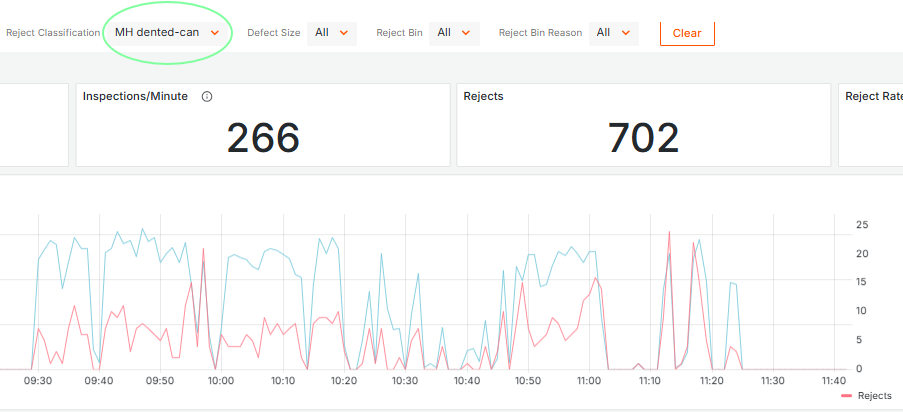
See how GreyscaleAI separated dent events from foreign material events and made package-quality trends visible in Insights Software.
Next step
Share the product, package, line speed, target condition, production environment, and inspection goal. GreyscaleAI can help determine the right next step for application review.